Try Discord — Server audit, channel and role blueprint, rules and visual identity with AI now, no sign-up needed
Discord — Server audit, channel and role blueprint, rules and visual identity with AI · Your Discord server, fully planned before you create the first channel
For anyone opening or rescuing a Discord server and ending up in front of a blank canvas. Paste your invite link: the app reads your server's real public data, scores it from 0 to 100, and tells you what it's missing. Then it delivers the complete server—categories, channels, roles, permissions, rules, Onboarding, icon, banner, and emojis—with a step-by-step checklist to replicate it by hand. No account, no bots, and no permissions on your server.
In the features that use AI, responses are generated by artificial intelligence and are not a substitute for professional advice.

ChatGPT에 한 줄로 요청하고는 결과가 별로라고 탓하고 있나요?
부족한 건 인공지능이 아니라 요청의 구조이고, 그건 배울 수 있어요. 여기서는 «내 식당 리뷰에 대한 답글을 써 줬으면 좋겠어»로 시작해서, 역할, 배경, 요구하는 출력 형식, 품질 기준, 하지 말아야 할 것이 들어간 매개변수화된 전문 프롬프트를 얻고 나가요. 맞춤 설정 지침의 두 칸, 맞춤형 GPT의 전체 문서, 내 업종의 15~25개 프롬프트 팩도 마찬가지예요. 채팅이나 ChatGPT 복제품이 아니에요. ChatGPT나 OpenAI 계정에 연결되지 않고, 대화를 읽지 않으며, 어떤 키도 필요하지 않아요. 복사해서 원하는 곳에 붙여넣을 텍스트만 작성해요.
See the tools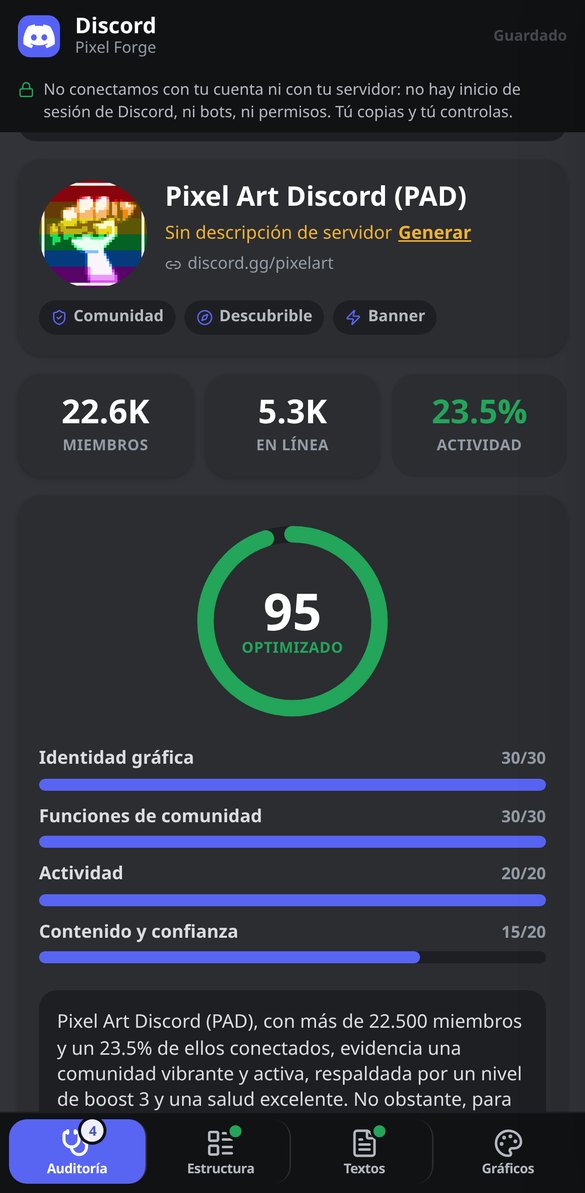
Discover every feature in detail
Audit a Discord server by its invitation link (free, no bot)
Paste a discord.gg and check the real public data of the server: name, icon, description, members, currently connected, active features, and boost level. No account or bot required.
Try it free
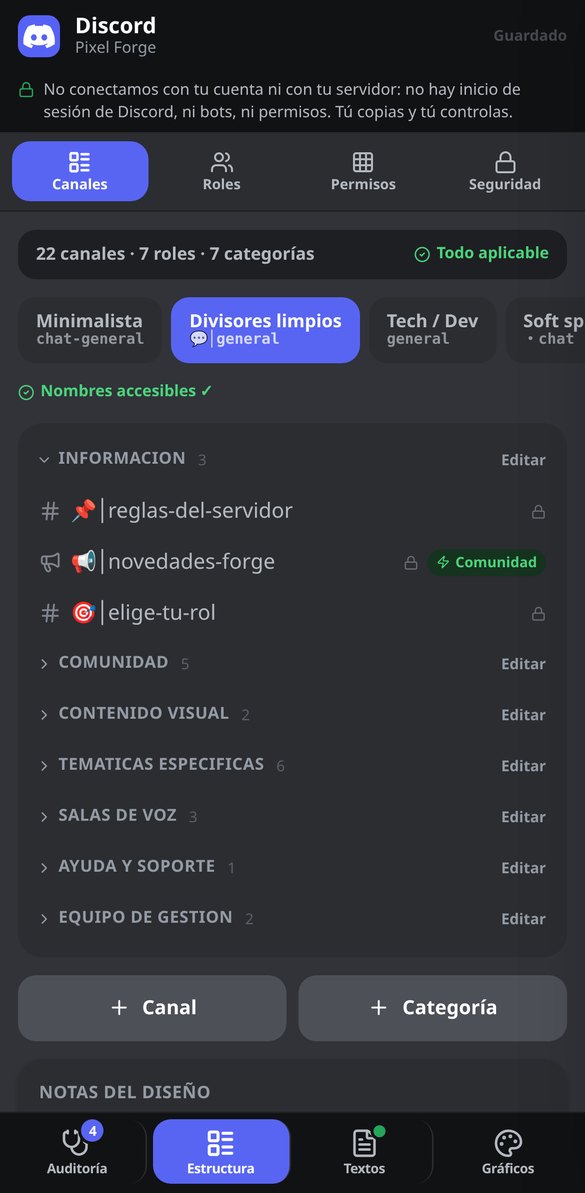
Channels and categories template for Discord: complete structure for free
Generate the complete structure of your Discord server: 4-7 ordered categories and text, announcement, voice, forum, and stage channels with name, emoji, description, and slow mode. Editable and no bot required.
Try it free
Discord Permissions by Category: Roles Matrix and Locking of @everyone
Generate the role × category permissions table for your Discord server and the secure configuration of @everyone, with the consequence of each switch explained and the copyable list. Free, no bot or token.
Try it free
Discord server rules: markdown template ready to paste
Generate the complete rules for your Discord server in markdown, with mandatory clauses, chunked into messages of 2,000 characters and with copy block by block. Includes a short version of 5 points. Free, no bot.
Try it free
Discord Onboarding: questions, roles, and channels ready to copy
Design Discord's native Onboarding: 3-5 questions with the role they grant and the channels they open, default channels, Server Guide, and the roles to create beforehand. Copy question by question. Free, no bot.
Try it free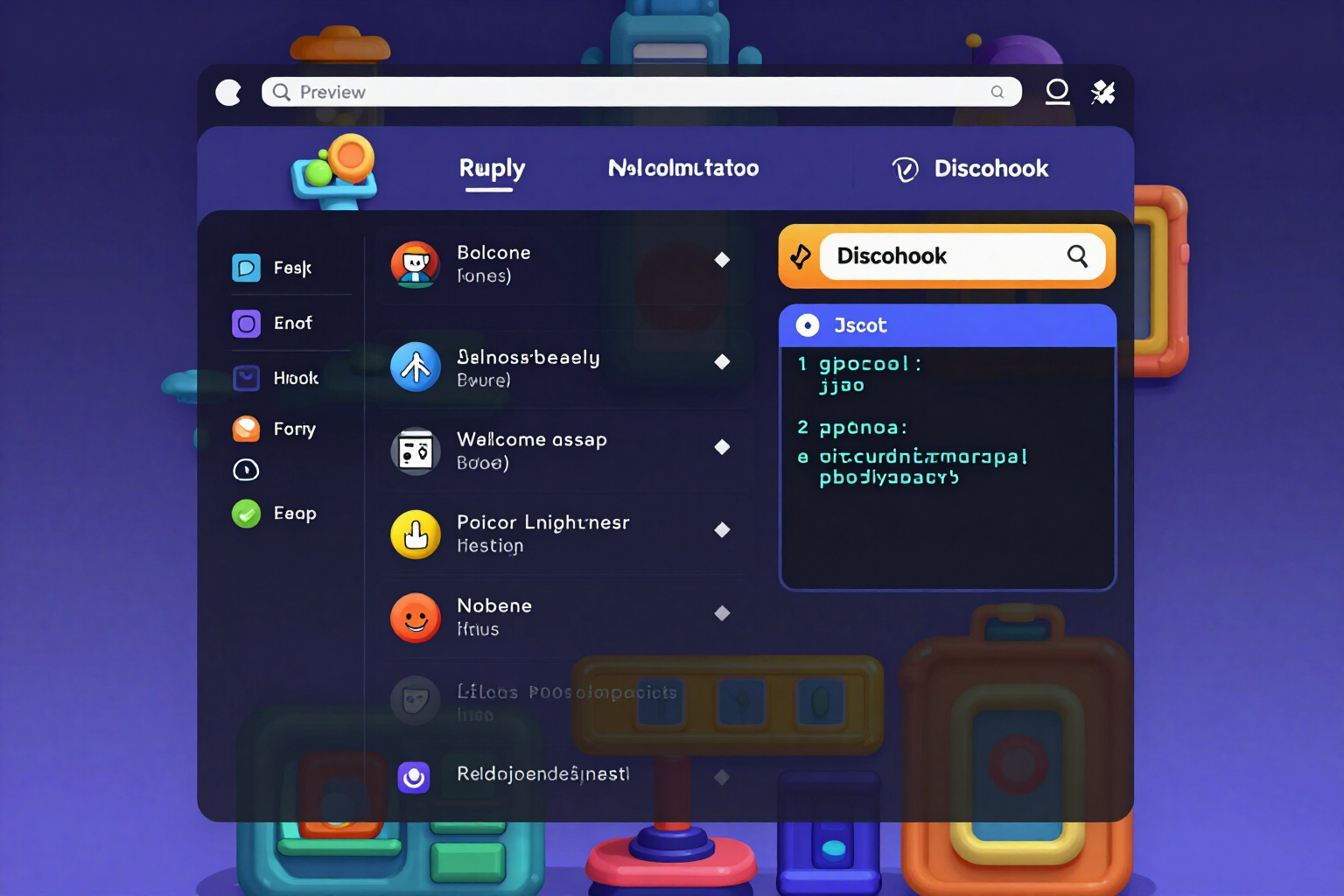
Discord Embed Builder: Live Preview and JSON for Webhook
Create Discord embeds with live preview, validation of real limits (25 fields, 6,000 characters), and JSON ready for webhook, bot, or Discohook. Free and no bot required.
Try it free
Icon, banner, and invite splash background for Discord with AI
Generate the 512×512 icon, 960×540 banner, and 1920×1080 invite splash background for your Discord server with the same concept and color palette, previewed at actual size.
Try it free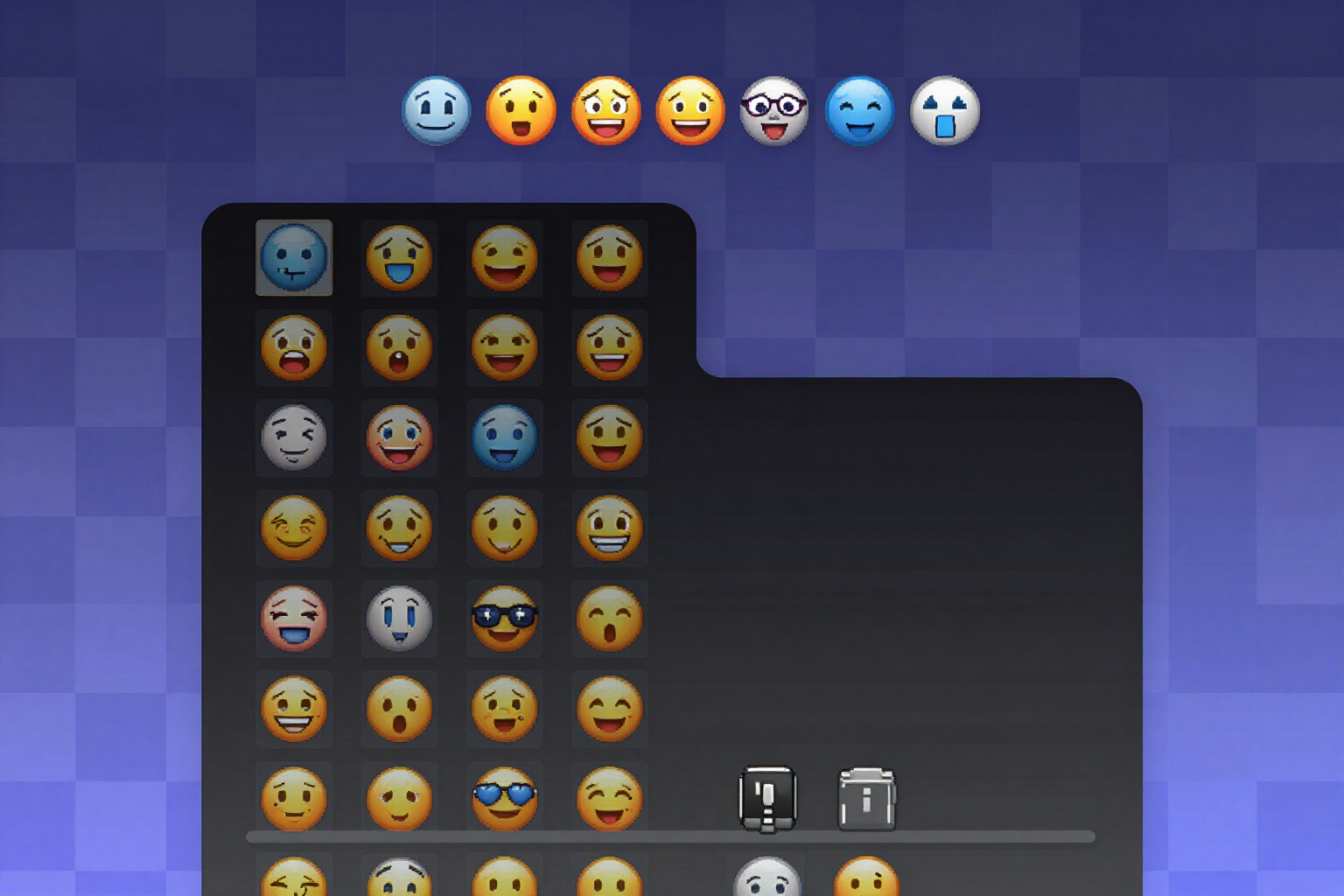
Custom emojis for Discord with transparent background (PNG 128×128)
Generate a pack of 8 to 12 emojis for your Discord server in PNG 128×128 with real transparency, checked against light, dark, and checkerboard backgrounds, and with the file already named after the emoji.
Try it freeA server you can actually apply, not just a pretty template
직업별 프롬프트 빌더, 맞춤 설정 지침 작성기, 맞춤형 GPT의 전체 사양, Markdown과 PDF로 다운로드할 수 있는 업종별 프롬프트 팩. 모두 엄지손가락으로 쓰고 클립보드로 끝나도록 설계했어요.
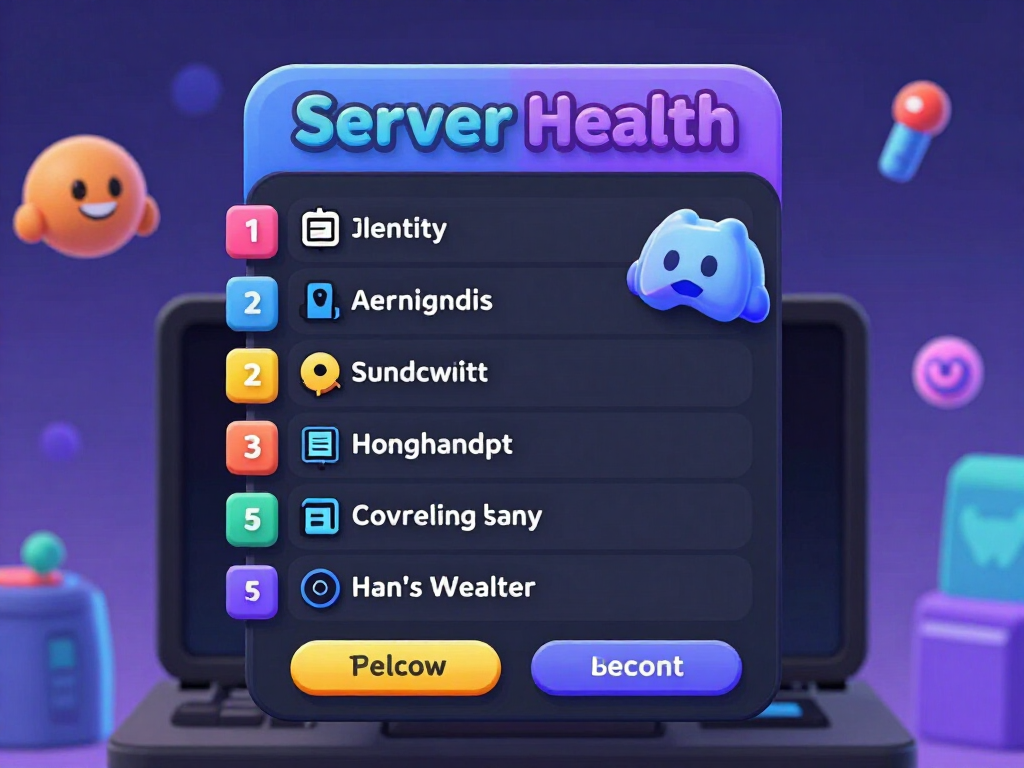
Server audit via your invite link
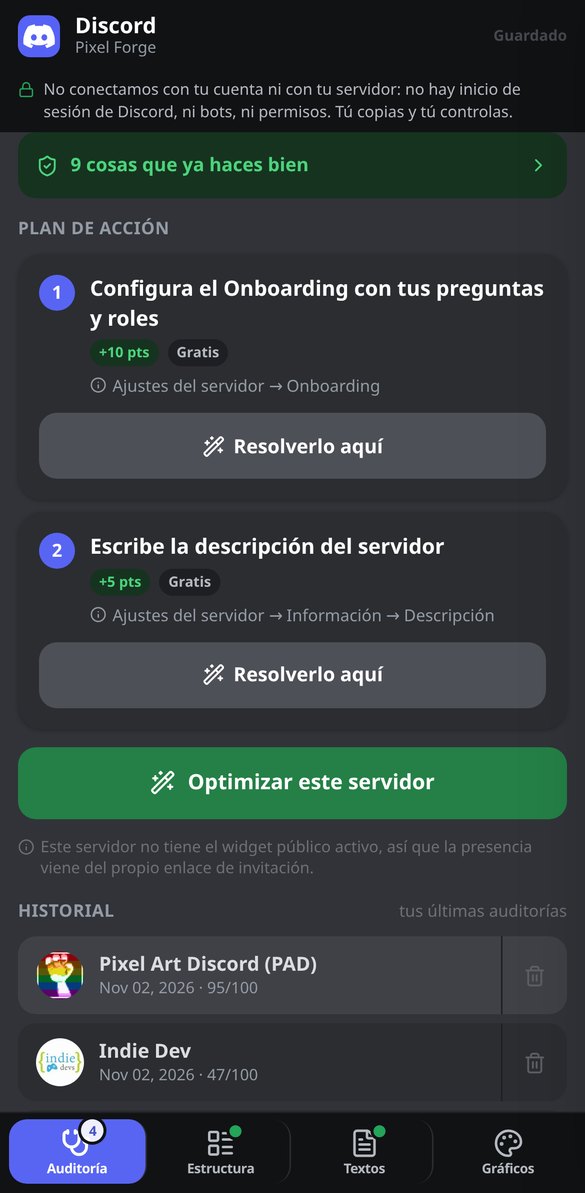
Paste discord.gg/yourserver and the app queries Discord's public API without credentials: name, icon, description, vanity URL, enabled features, boost level, total members, and current online count with its activity ratio as a percentage. From that it calculates a Health Score from 0 to 100 divided into four blocks—visual identity, community features, activity, and content and trust—with three reading bands (At Risk, Acceptable, Optimized), a point-by-point checklist, and a plan of up to 7 actions ordered from free and highest-impact to what requires boosts. What the public API doesn't let it see—the internal structure of channels and roles—is marked as 'not verifiable from outside' instead of being made up. All of this, without signing up.
The complete blueprint: channels, roles, and permissions that don't leak
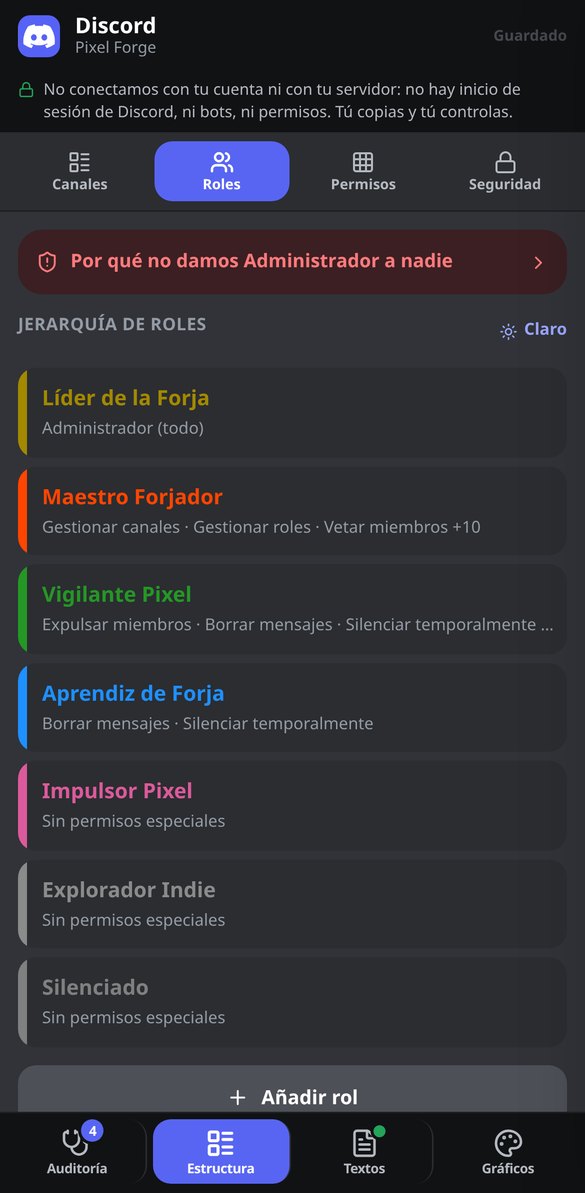
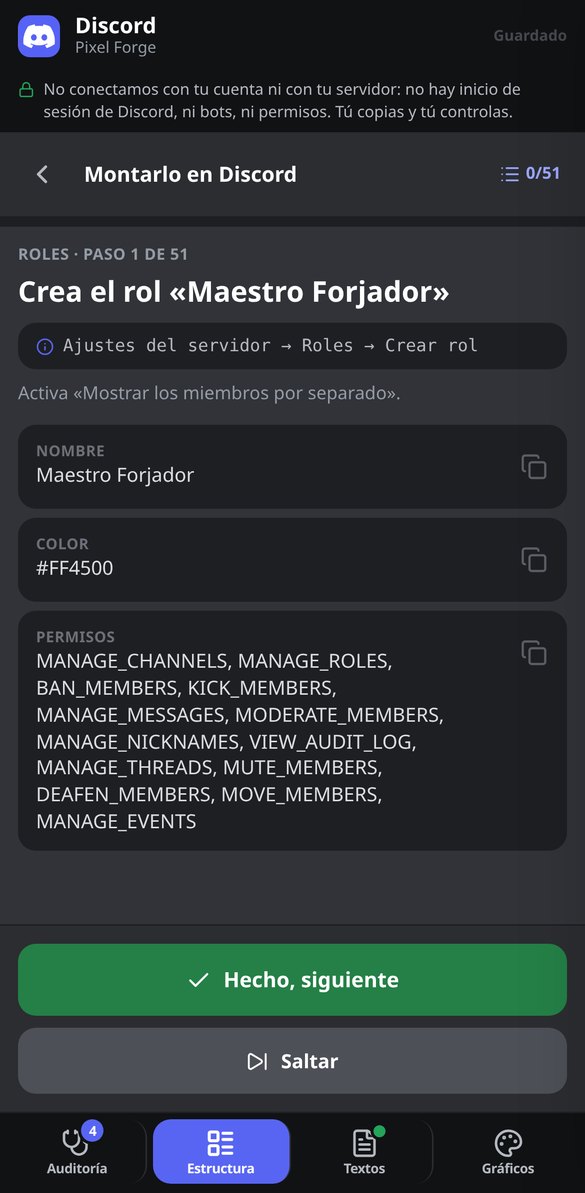
Four steps—purpose, name and tone, channel naming style, and moderation level—and you have the entire tree: categories with their text, voice, announcement, forum, and stage channels, each with its topic and slowmode quantized to the 14 values Discord actually accepts; roles in hierarchy with a copyable hex color; and the permission matrix managed by category, which is exactly what prevents the private channel that ends up visible to everyone because of a forgotten overwrite. No role comes out with ADMINISTRATOR except the Owner: the validator removes it and explains the risk it prevents. Choose from 9 server archetypes, 4 tones, 3 moderation levels, and 4 naming styles that are rewritten live across the whole tree. And names go through a whitelist, so they don't come out with decorative Unicode fonts that break search and screen readers.
Rules, Onboarding, and embeds ready to copy and paste
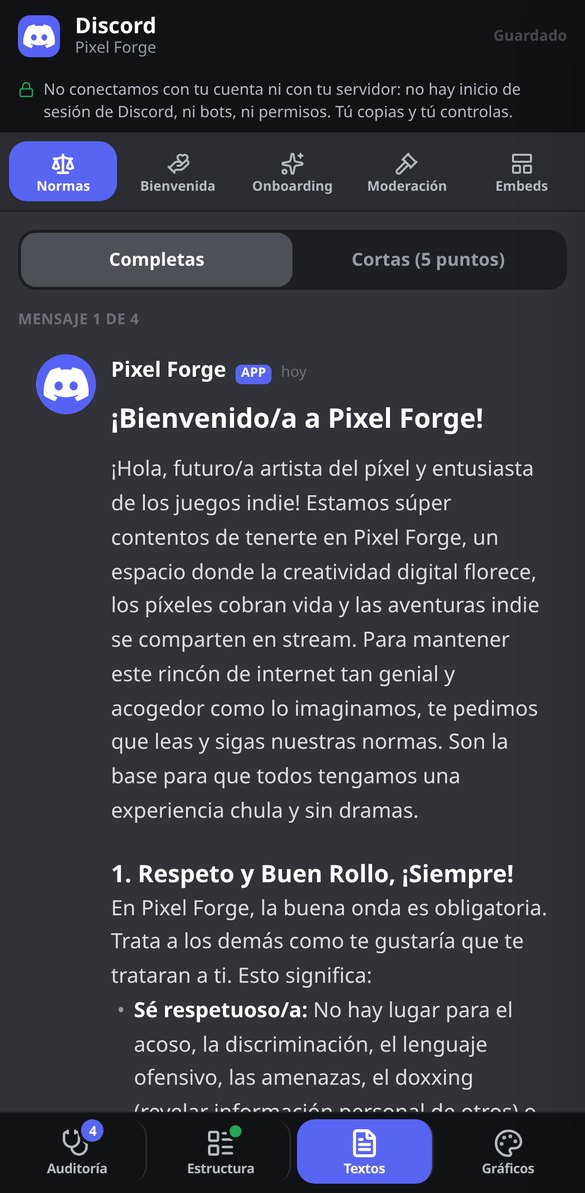
The #rules rules written in Discord markdown and split into 2,000-character blocks, in a full version and a short 5-point version, including the anti-scam clause about direct messages. The fixed and automatic welcome messages, both server descriptions trimmed to the 120 and 300 characters Discord allows, and 7 moderation templates with their sanctions scale and logging format. And the entire native Onboarding—default channels, questions with their roles, and the server guide tasks—with an 8-check checklist that tells you whether Discord will let you save it before you try, and that applies the fix when something fails. Plus an embed builder with 6 presets, validated limits, and export to JSON or directly to Discohook.
From a blank slate to a fully set-up server
회원가입 없이 들어가기
앱은 네 가지 도구와 함께 브라우저에서 열리며 게스트로 사용할 수 있어요. 하루 10회 생성, 계정과 카드 없이요.
직업과 필요한 것을 알려 주세요
직업은 한 번 탭하고, 작업은 한 문장으로 입력하세요. 형식, 어조, 제약 조건은 선택 사항이며, 막히는 일이 없도록 합리적인 기본값이 들어 있어요.
빈칸을 채우고 복사하세요
프롬프트의 빈칸은 화면에서 바로 채우고, 입력하는 동안 텍스트가 갱신돼요. 앱을 벗어날 필요가 없어요. 계정이 있으면 프롬프트, 지침 프로필, GPT도 저장되고, 팩은 Markdown과 레이아웃이 적용된 PDF로 다운로드할 수 있어요.
Frequently Asked Questions
Latest blog articles
Guides and news to get more out of it
Your Discord server is now appearing on Google: what changes on November 16, 2026, and how to prepare yours
Starting November 16, 2026, every Discoverable Discord server will have a public webpage, and in December, its messages will go to Google. What gets exposed and how to opt-out.

Your Discord server is now showing up on Google: what changes on November 16, 2026, and how to prepare yours
Starting November 16, 2026, every Discoverable Discord server will have a public webpage and in December its messages will go to Google: what to check and how to stand out.