Try LinkedIn — Covers with safe zone, headline and About section, PDF carousel and posts now, no sign-up needed

LinkedIn — Covers with safe zone, headline and About section, PDF carousel and posts · Banners, headline, carousel and posts: what decides whether they buy from you
For people who sell their services on LinkedIn, not for people looking for a job. Here you prepare the banner strip that actually shows, the headline and the "About" section counted character by character, the carousel as a PDF and the posts with the hook in the first two lines. It doesn't connect to your account, doesn't publish for you and doesn't read anyone's profile: you copy and paste.
In the features that use AI, responses are generated by artificial intelligence and are not a substitute for professional advice.

商品ページを削除されたのに、どの単語が原因なのか、誰も教えてくれなかったことはありませんか?
リスティングが削除される原因は、文章のうまさではなく、形式面の検証可能な不備です。search terms 欄は文字数ではなくバイト数で計測されるため、アクセント付き文字や ñ は2倍、絵文字は4バイト分として数えられます。上限を超えると、Amazon は通知なしにその欄全体のインデックスを停止します。枕カバーに「抗菌」と書くだけで、未登録の農薬製品に分類されることもあります。タイトルの上限はカテゴリによって異なります。メイン画像には「だいたいの白」ではなく、正確な白(255,255,255)が必要です。このアプリは作業を分担します。AI が文章を書き、サーバーが測定と検証を行います。Buffer.byteLength でバイト数を再計算し、各欄を4つの決定的フィルターに通し、安全な代替表現の表で修正し、問題のある欄だけを再生成し、各画像のバイナリを読み直して計測します。ルールを満たさない場合は適合として納品せず、どのルールか、何をすべきかをお知らせします。
See the tools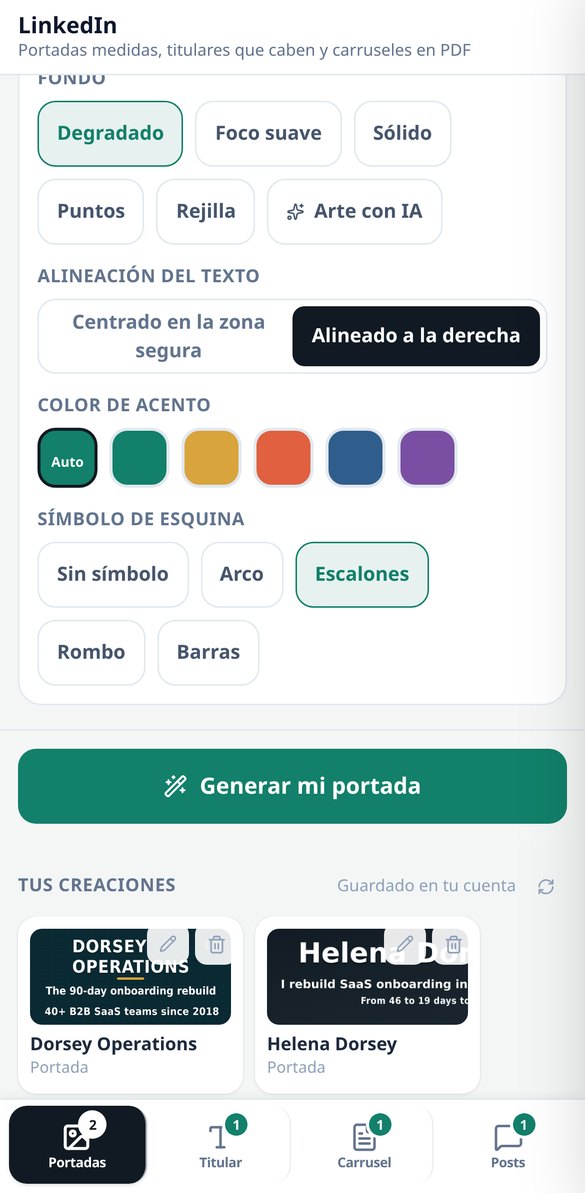
Discover every feature in detail

LinkedIn Cover 1584×396: safe zone and measured contrast
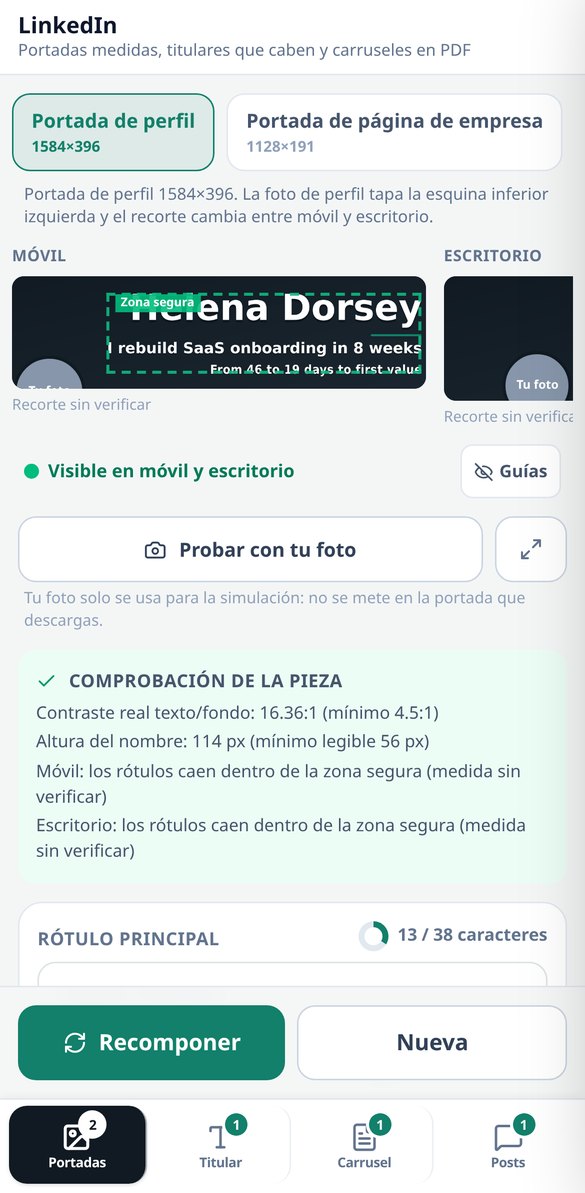
Create your LinkedIn profile cover at 1584×396 px with the safe zone of 1010×258 outlined, the label composed on the server, and the contrast measured on the final image (threshold 4.5:1). Five backgrounds without AI and free to start.
Try it free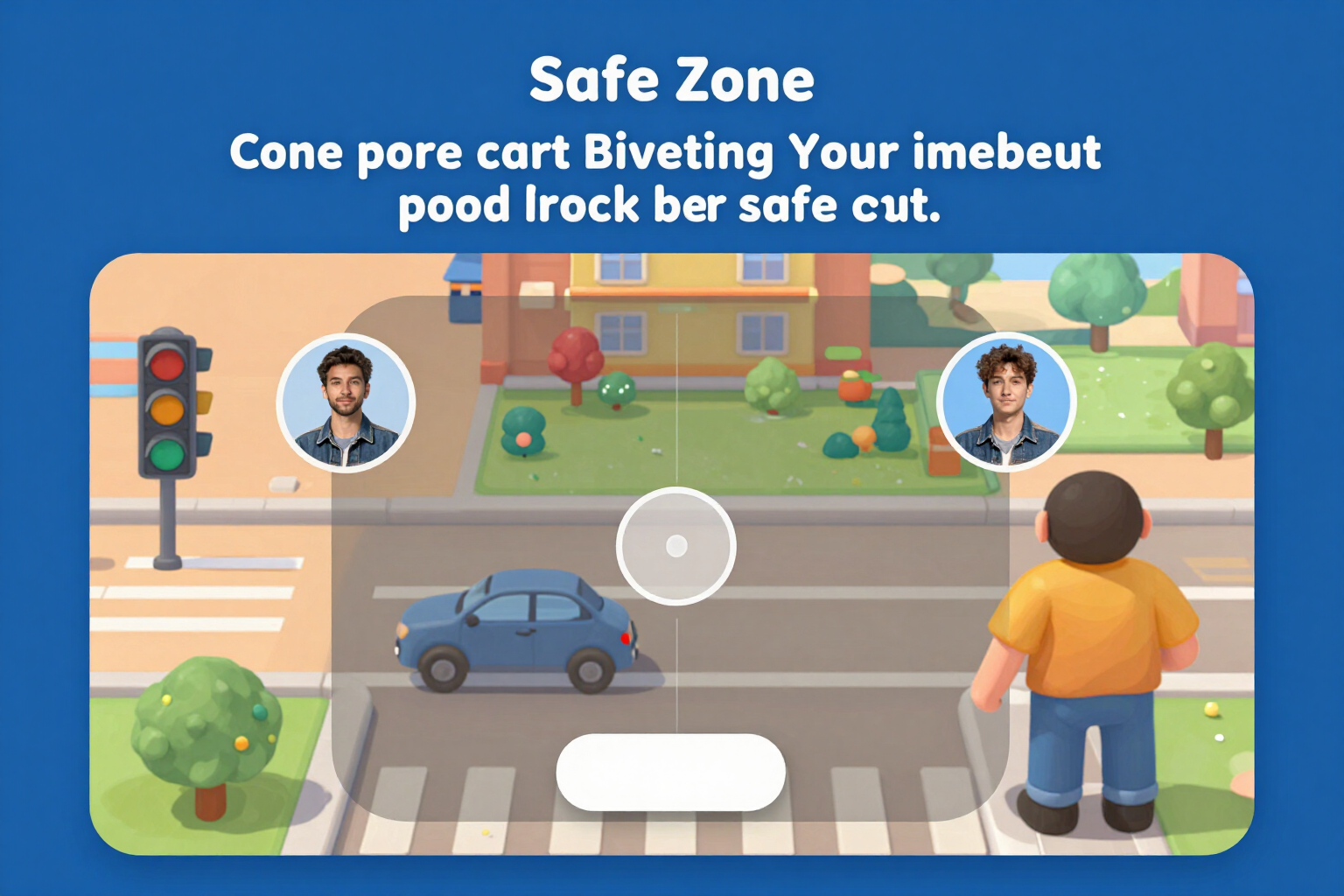
LinkedIn Cover Simulator: how it looks on mobile and desktop
View your LinkedIn cover on both cuts at the same time, to the same scale, with the profile picture circle in its real position and the safe zone marked. Three-state traffic light and button to center. Free and no registration.
Try it free
LinkedIn Company Page Cover: 1128×191 and safe area
Create your LinkedIn company page cover at 1128×191 px with the logo space deducted, the safe area of 780×140 drawn, and the contrast measured on the final image. Simulation on mobile and desktop, five backgrounds without AI, and free to start.
Try it free
LinkedIn Headline Generator: formulas and a 220-character counter
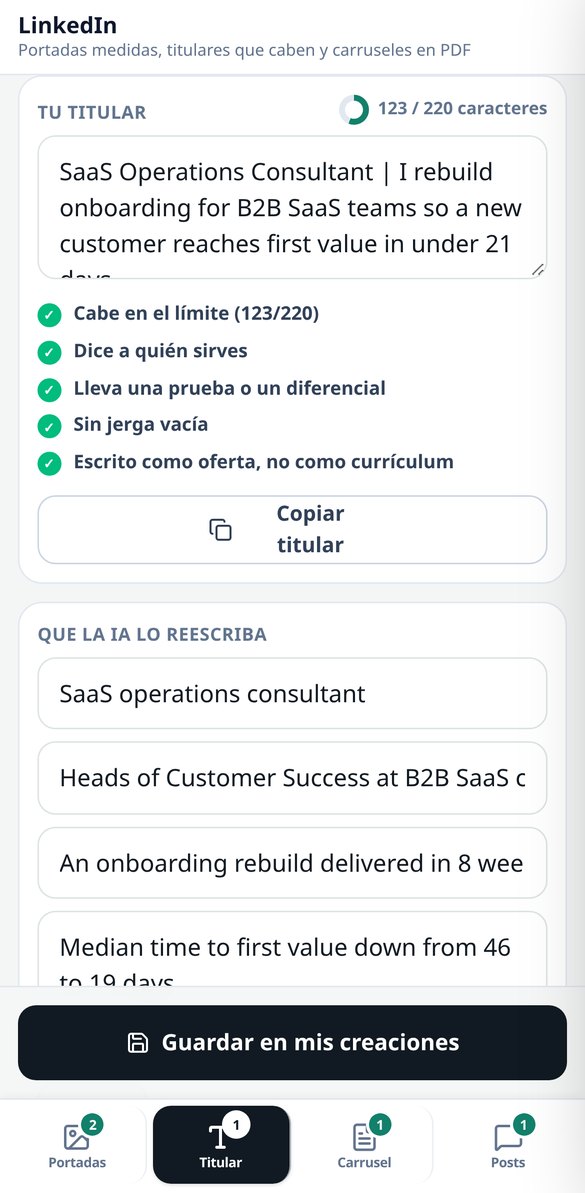
Create your LinkedIn headline with five fillable formulas, a character counter that counts emojis as 1, and five checks (audience, test, jargon, tone). Free, no registration, and no AI spending.
Try it free
'About' for LinkedIn: block template and 'see more' cut-off
Write your LinkedIn 'About' in five blocks with its own counter, structure validator, and the 'see more' line drawn where it actually cuts off (the first two lines or 275 characters). Free, no registration, and no AI usage.
Try it free
Create LinkedIn carousel in PDF: 1080×1080 or 1080×1350, from 5 to 12 pages
Generate the LinkedIn carousel as a real PDF document: cover, 3 to 10 numbered slides, and closing, in 1:1 (1080×1080) or 4:5 (1080×1350). The text is adjusted by measuring each box, and the PDF is verified by counting its pages before delivery.
Try it free
Hooks for LinkedIn posts: two alternatives and the 'see more' cut at 210 characters
Write your LinkedIn post in five formats and receive TWO alternative hooks for the first two lines, with the 'see more' cut drawn over the editable text. Characters counted by graphemes and a filter that eliminates interaction bait and notifies you.
Try it freeFour tools, and the AI doesn't set the measurements
通常は一緒にならない3つのことです。AIで書いたテキスト、バイトとピクセルでの実測、そしてどのルールがどこで破られたかを示す判定です。

Banners: the strip that's visible, simulated before you generate
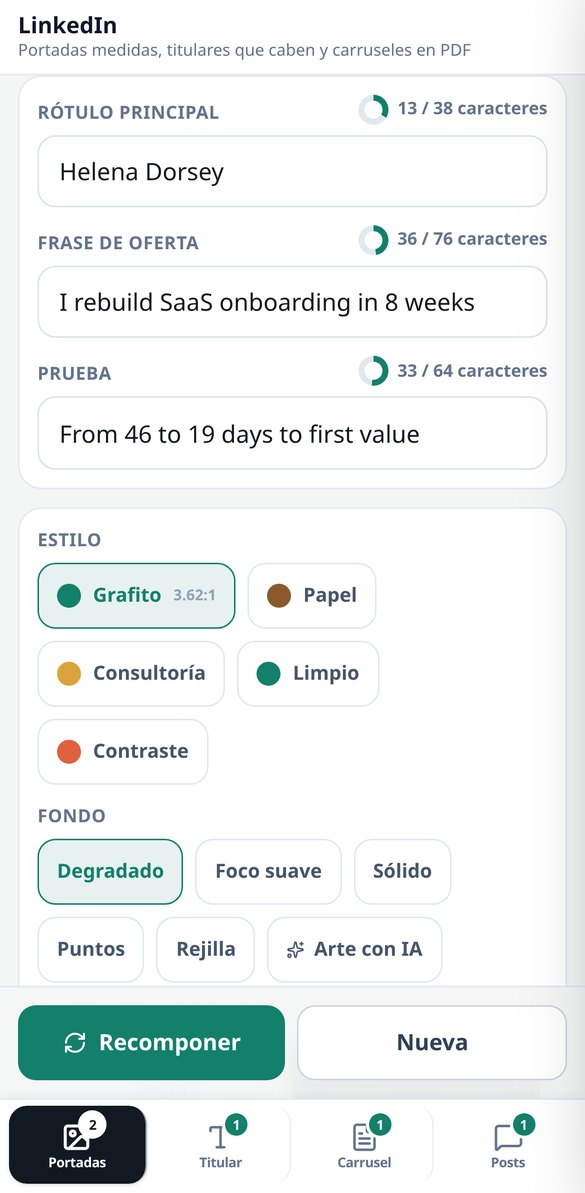
The 3 profile assets with their dimensions: profile banner 1584×396, company page banner 1128×191 and featured image 1200×627. Each one is drawn in its 2 crops (mobile and desktop, at the same scale) with the safe area marked and the profile photo circle overlaid, so you see what's going to get lost before you spend anything. 5 styles, 5 server-composed backgrounds — linear gradient, radial gradient, solid, dots and grid —, 2 alignments and 4 pictograms; with those backgrounds the asset comes out with zero AI calls. The label is written by sharp by measuring the real ink box, and if it doesn't fit even at the minimum legible size, the app tells you how many characters are over instead of shrinking it until it can't be read. The contrast in the safe area is measured for real (WCAG luminance on the already-composed image, threshold 4.5:1) and, if it falls short, a veil is applied and it's measured again. Changing style, accent, alignment or labels recomposes without paying for the art again. The photo you upload is only used in the simulation: the file you download comes out clean.

Headline and "About": counted for real, free and with no sign-up
Real grapheme counter with Intl.Segmenter — one composed emoji counts as 1 — against the catalogue's limits: 220 in the headline and 2,600 in "About", with the "see more" line drawn at 275 characters, which is where it cuts. 5 curated headline formulas with fill-in-the-blank slots, an "About" skeleton in 5 blocks (hook, who you serve, how you work, proof and call to action) and a validator with 5 checks on each piece, including 23 jargon terms and a warning when you're writing like a candidate instead of like an offer. All of that happens in your browser: not a single network request, no sign-up, no cost. If you want the rewrite, a single AI call gives you 3 headlines, the "About" section in blocks and up to 3 job descriptions rewritten in terms of service, and the server validates them with the same counter before handing them over.

Carousel as a PDF and posts with a hook, no engagement bait
The carousel is delivered as a real PDF — the native document format — in 1:1 (1080×1080) or 4:5 (1080×1350), with a cover, 3 to 10 body slides and a closing slide, over 4 script structures. The body is fitted by measuring the text with the document itself, not with heuristics, so it doesn't overflow; and before handing it over, the app downloads the file again, checks the %PDF- header and counts the pages with pdf-lib: if it doesn't match, it pulls it. It comes with a server-composed PNG thumbnail, and re-editing the script and laying it out again doesn't cost another AI call. For posts: 5 formats, 2 alternative hooks for the first two lines with the "see more" cut drawn live, 3 suggested contribution comments and 4 tones. Engagement bait ("comment YES and I'll send it to you") is stripped even if the model writes it, and the app tells you it's been removed.
From idea to asset in three steps
テキストを貼り付けるか、何を売っているかを入力
監査だけしたい場合は、すでにあるタイトル、箇条書き、検索キーワードを貼り付けて、信号を読むだけです。商品ページ全体が欲しい場合は、3つの短い画面に入力します。何を売っているか、何が違うのか、どのマーケット向けか、です。
サーバーが測定して検証
バイト数を再計算し、カテゴリーの上限を適用し、4つの語彙をフィールドごとに通し、安全な代替表現があるものは修正し、ないものは再生成します。保存される判定は、ブラウザではなくサーバーのものです。
フィールドごとにコピー、またはパックをダウンロード
各ブロックはワンタップでコピーでき、セラーセントラルのどこに貼り付けるかも表示されます。アカウントがあれば、テキスト、番号付きの画像、適合レポートをまとめたZIPパックを持ち帰れます。いつか異議を申し立てる必要があるときに使える書類です。
Frequently Asked Questions
Latest blog articles
Guides and news to get more out of it
LinkedIn downgrades posts that sound like AI: what it considers 'generic content' and how to write without losing reach
LinkedIn downgrades generic posts with classifiers at 94% accuracy since October 2026. What reveals an empty post and how to write without losing reach.

Why Your Reach on LinkedIn Decreased in 2026 (and What the Algorithm is Looking at Now)
On November 9, 2026, LinkedIn detailed its Profile Relevance model: matching each post with the reader's profile. Data on the decline, formats that retain, and what to change.
Get your profile ready before you upload another cut-off banner
検索キーワードを貼り付けると、実際のバイト数がわかります。アカウントもカードも不要です。