Minecraft Banner Designer: 42 Patterns, 6 Layers, and Your Loom Recipe
Choose a base color, stack up to 6 layers, and get the loom recipe and the /give command. No account, no installation, and no AI costs.
A banner is not drawn: it is woven. And the game only accepts a specific combination of base color and patterns in a specific order.
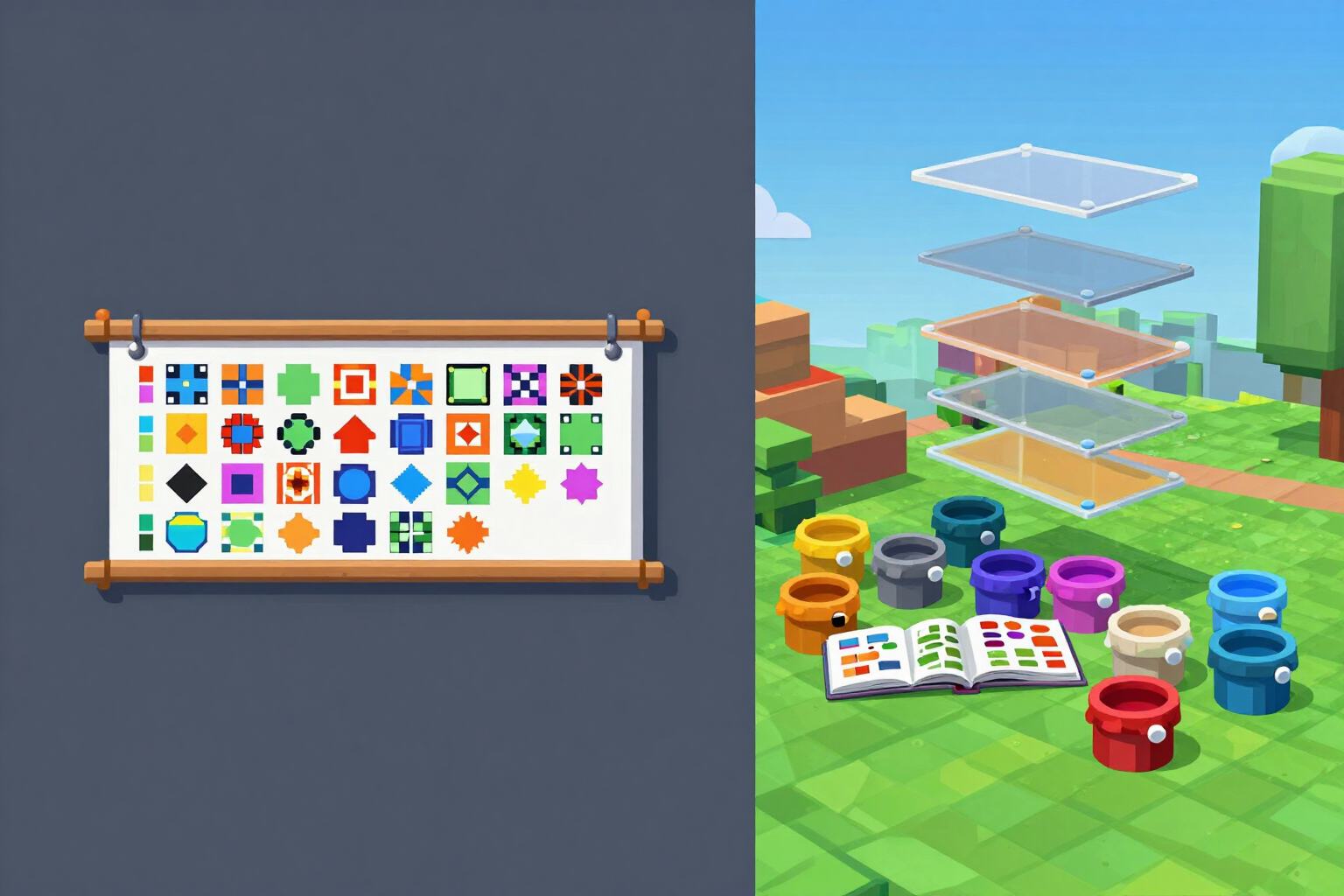
The Minecraft banner designer works exactly like the loom in the game, not like a drawing editor. You start with a base color from the 16 dyes in the game and stack layers: for each one, you choose a pattern from the catalog of 42 (stripes, halves, quadrants, borders, diagonals, shapes, and symbols, spread across 6 categories) and the dye with which it is woven. The limit is 6 layers, which is what can actually be used in survival mode, so what you design here can be crafted for real.
Each pattern is drawn with its own geometry on the 20×40 fabric, it is not a filter or an approximate texture: the banner you see in the preview is the one you will have in the game. To find the pattern you are looking for, there is a searchable table that understands aliases in various languages, so it’s the same to write "stripe", "up stripe", or "franja" to find the same pattern.
If you don’t want to start from scratch, there are 16 pre-made templates: 5 flags, 5 letters, and 6 symbols. Load them, change the dyes you want, and continue from there. And while you stack the layers, the app alerts you to the two mistakes that ruin a banner: when a layer becomes invisible because it is the same color as what is underneath, and when the contrast is so low that it won't be distinguishable from a distance.
When the design is ready, you get the two things you need to use it: the loom steps in order, with the added material list (what dyes and how many pattern banners you need), and the /give command in both labeled syntaxes, the one for components for 1.20.5 and 1.21 and the NBT one for 1.16 to 1.20.4. You can also see the same design applied to a shield, with a real analysis of which layers are lost when transitioning from fabric to shield.
Try Banner Generator right here
Use it free without an account. If you want to save your result, you can sign up afterwards.
Save / Sign upBenefits of Banner Generator
Works like the loom, not like Photoshop
base color from the 16 dyes in the game and up to 6 stacked layers. What you design here can be woven for real in survival.
42 patterns with unique geometry
each pattern is drawn on the fabric of 20×40 with its exact shape, divided into 6 categories (halves and quadrants, stripes, borders, diagonals, shapes, and symbols).
Search engine with aliases in multiple languages
type "stripe", "line up" or "stripe" and reach the same pattern, without having to memorize the official names.
16 ready-to-start templates
5 banners, 5 letters, and 6 symbols that you can load with one touch and recolor to your liking.
Warnings before wasting time
it highlights the layer that becomes invisible because it is the same color as what is underneath and the one that has so little contrast that it can't be distinguished from afar.
Step-by-step loom recipe with a shopping list
the exact order of the layers in the loom and the added materials you need to gather before starting.
Command /give in both syntaxes, labeled
components for 1.20.5 and 1.21, NBT for 1.16 to 1.20.4, for banner and for shield. Copy and paste without having to guess your version.
Zero AI cost
all banner design consists of calculated patterns and geometry, not a guessing model. You enter and use it without an account.
Create your banner and get the loom recipe
Design, preview, view the loom recipe, and copy the command without needing an account or using AI. Sign up for free only if you want to download the banner image and save the design with its layers.
In the features that use AI, responses are generated by artificial intelligence and are not a substitute for professional advice.