Try aiSnapChat now, no sign-up needed
aiSnapChat · Filters, fonts and posters for Snapchat, checked before you upload them
For anyone organizing a wedding, a birthday or opening a business who wants their own Snapchat filter without getting a rejection: here you design the filter with a truly transparent center, measure it against Snapchat's rules before downloading, and also get posters so guests can use it. The app does not enter your account or read anything from Snapchat: it creates the files and texts that you upload.
In the features that use AI, responses are generated by artificial intelligence and are not a substitute for professional advice.

Gentog du en IQ-test, og fik du en højere score, blot fordi du huskede spørgsmålene?
Det er den grundlæggende fejl ved næsten alle intelligensprøver, der cirkulerer på internettet: et fast spørgeskema, der kan huskes udenad, en enkelt Gauss-kurve for alle aldre og et løst tal, som ingen forklarer dig, ofte bag et abonnement, der dukker op lige til sidst. Her findes opgavebanken ikke som et katalog: der er 17 generatorer, der konstruerer opgaven, dens distraktorer og dens korrekte svar ud fra en random seed, og de random seeds, du allerede har set, gentages ikke for dig. Normtabellen ændrer sig afhængigt af din aldersgruppe, korrektionen og timeren styres af serveren, og rapporten viser dig reglen for hver opgave, du fejlede.
See the tools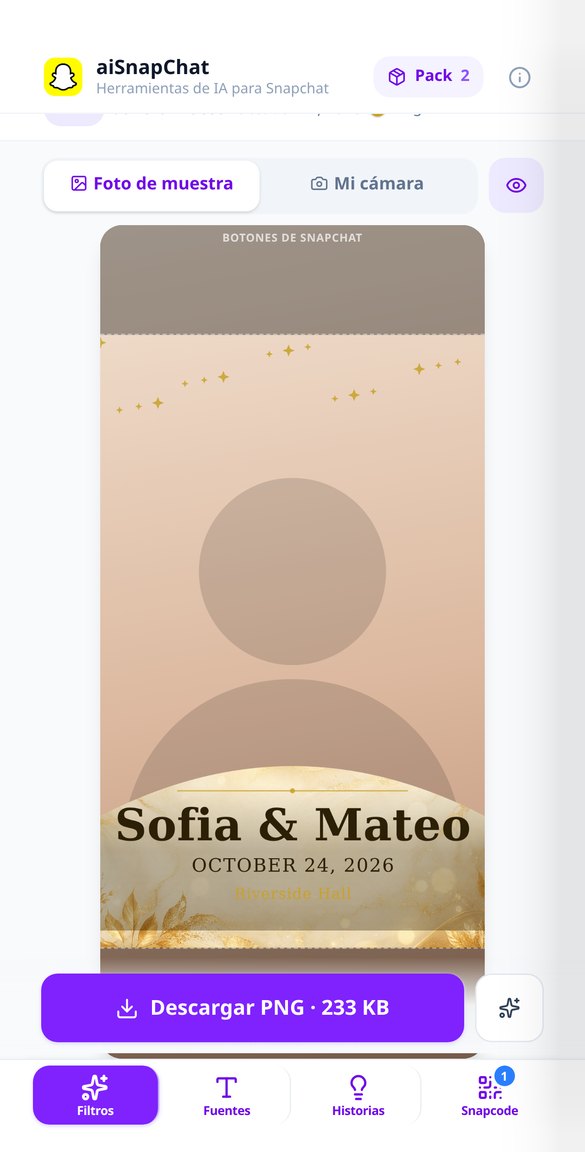
Discover every feature in detail
Create Snapchat filter with transparent background: 1080x2340 geofilter generator
Generate your Snapchat filter or geofilter with real transparent center: vertical PNG 1080x2340, names and date in vector text, and validation of dimensions, weight, and alpha before downloading.
Try it free
Check a Snapchat filter before uploading: validator for measurements, file size, and transparency
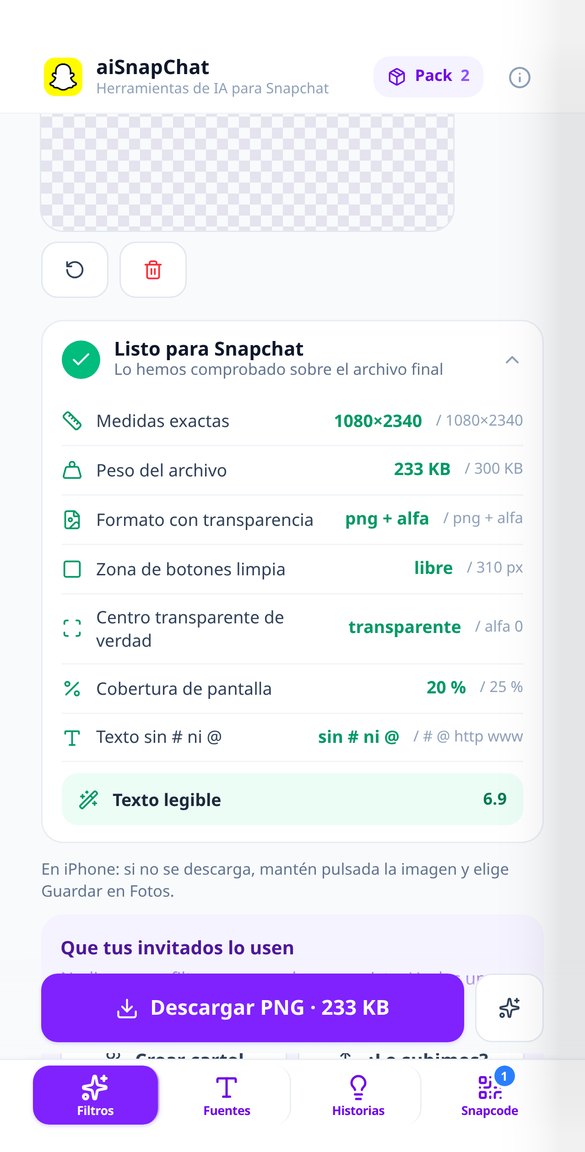
Validate your Snapchat filter before submitting it for review: seven checks with measured values (1080x2340, 300 KB, PNG with alpha, transparent center, text without # or @) and blocking downloads for what Snapchat is sure to reject.
Try it free
How to upload a filter to Snapchat and how much it costs: step-by-step assistant with calculator
4-step assistant to upload your filter to the Snapchat creator, with a calculator for hours and venue size to estimate what Snapchat charges. The amount is charged by Snap, not us.
Try it free
Fonts and fancy letters for Snapchat: style your name and bio without squares
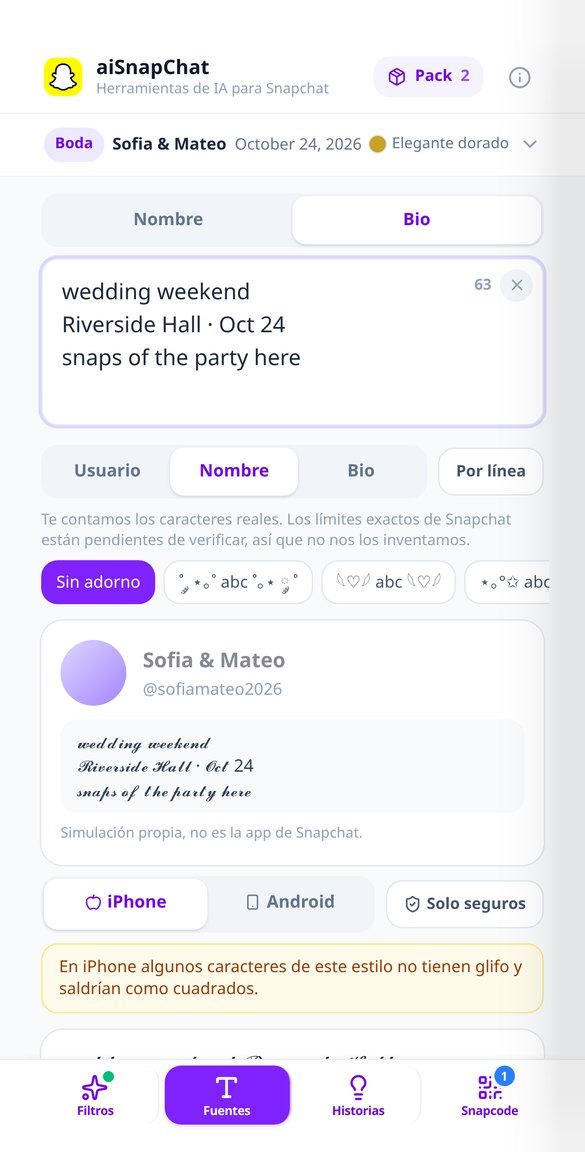
Convert your Snapchat name and bio into 18 Unicode letter styles while you type, with one-tap decorations and previews on iPhone and Android to avoid squares. Free, in the browser, and without giving your account.
Try it free
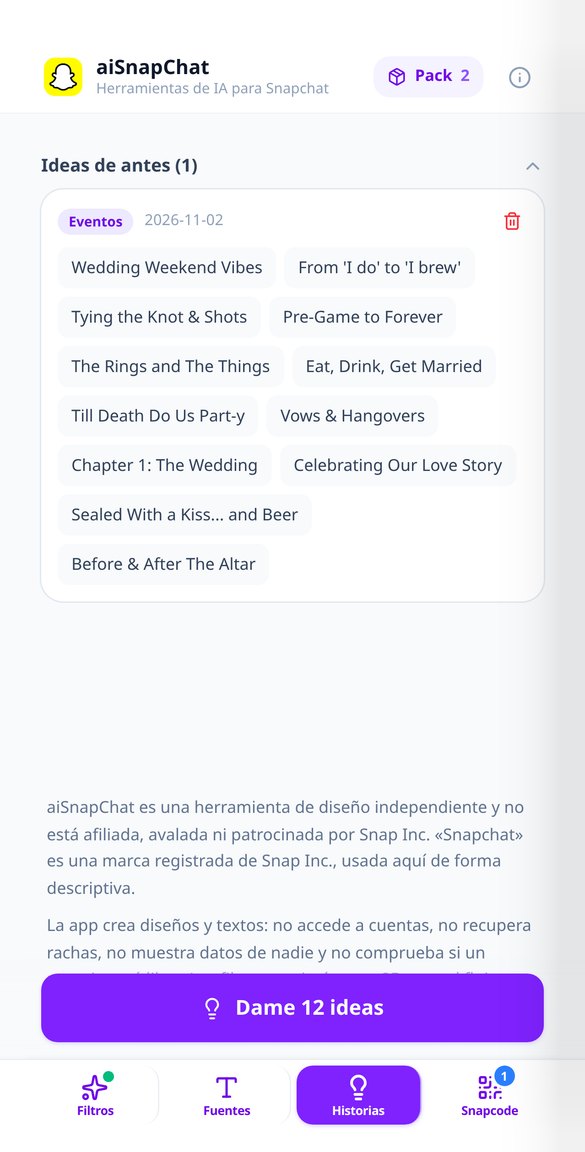
Private Snapchat Story Names: 12 Ideas by Tone, Generated Now
Generate short names for your private Snapchat story by tone: chaotic, VIP, aesthetic, events, fun, or romantic. Twelve new ideas at a touch, in your language and with the character limit checked.
Try it free
Username Generator for Snapchat: 12 @ Ideas with AI
Username ideas for Snapchat based on your name, your keywords, and the aesthetic you want. Twelve handles in lowercase, from 4 to 15 characters, and without weird characters. Free and without registration.
Try it free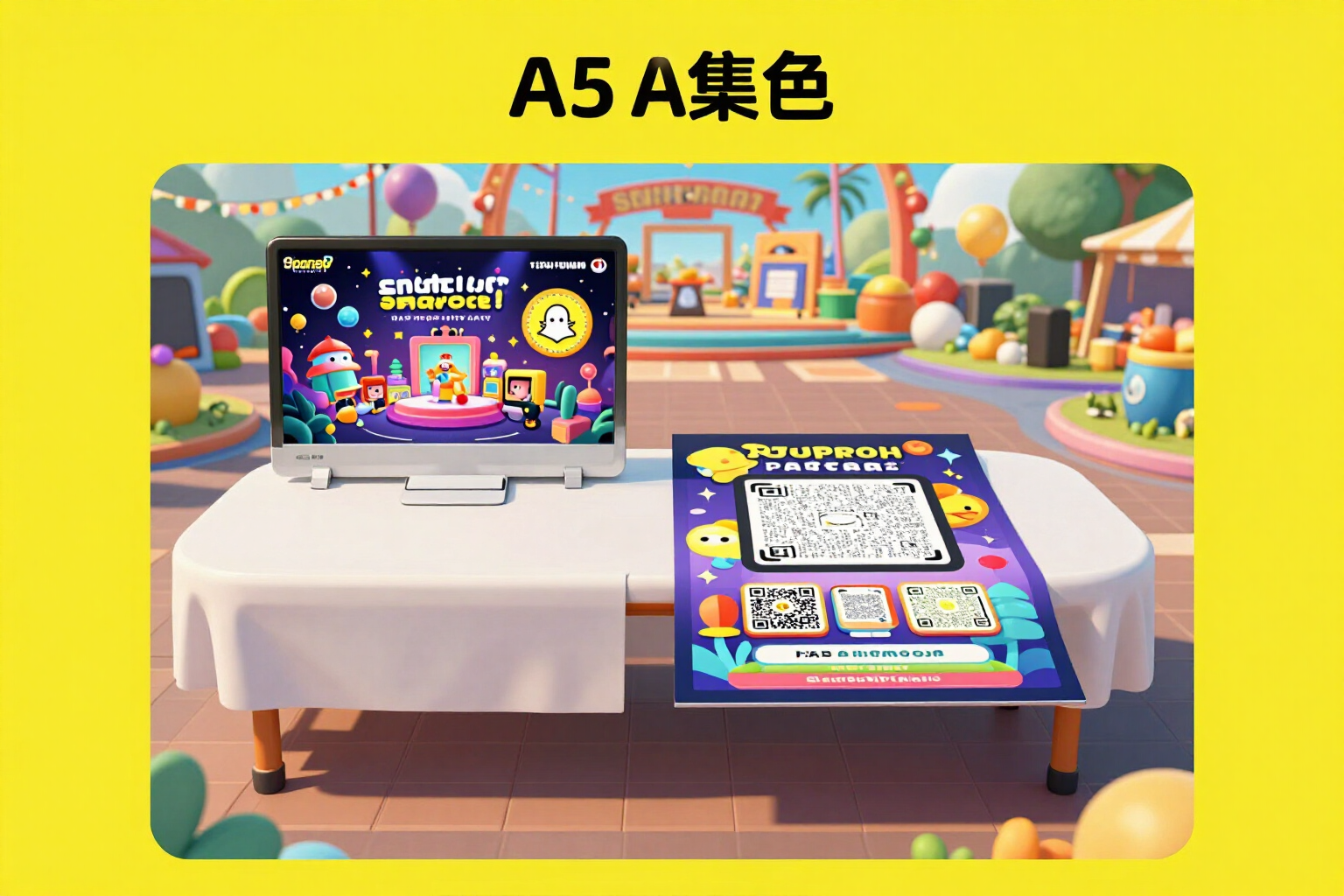
Sign and sticker with your Snapcode for printing (A5, A4, and 50/80 mm)
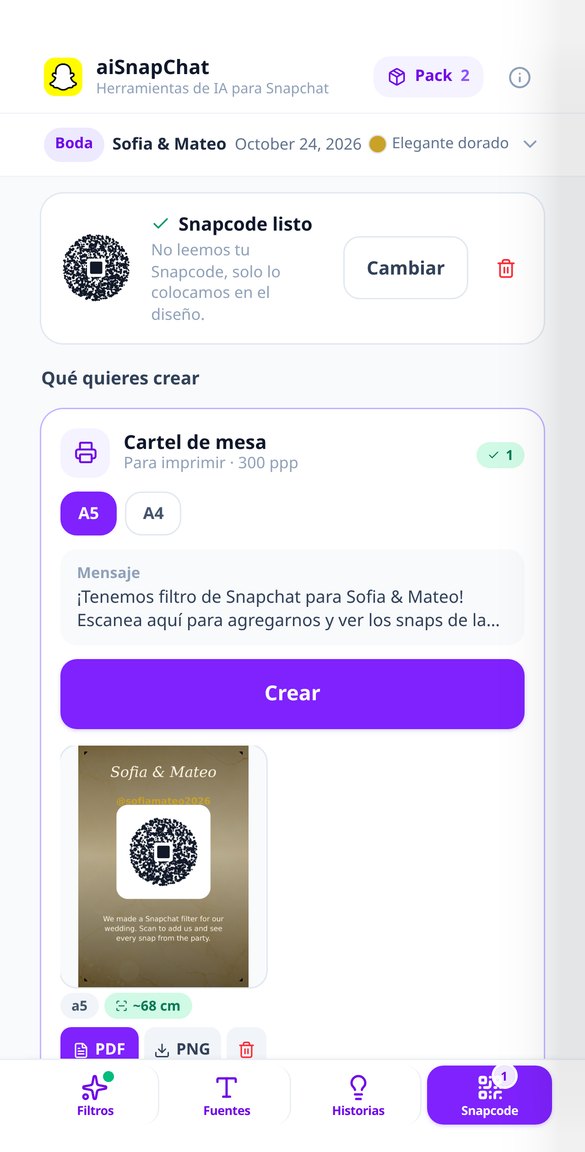
Create the table sign and sticker with your Snapcode so your guests can use your filter. A5, A4, and 50/80 mm, 300 dpi and PDF at actual size, with the code at a scannable size.
Try it freeFour workshops, one event document
En officiel test med 24 opgaver, en hurtig test med 10 og træningssessioner med 5 pr. område. Rapporten betales ikke, den læses.

Filter studio with a truly transparent center
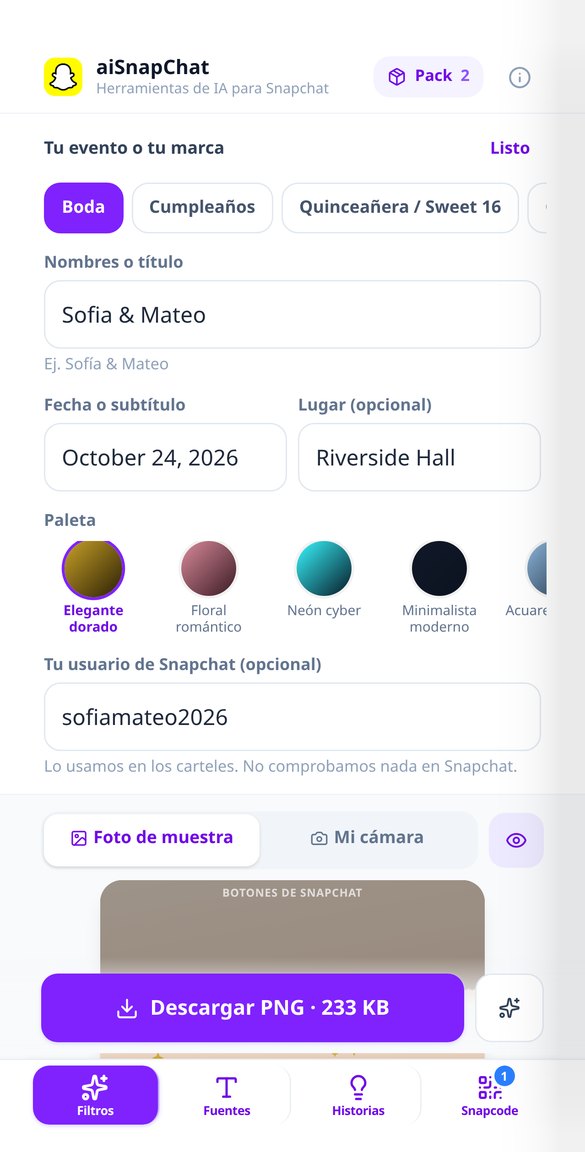
18 themed templates for 7 event types, 3 layouts (bottom band, frame and top banner) with their numeric geometry, 5 palettes, 5 fonts and 8 vector ornaments that don't use up generations. Up to 4 variants of the same design to choose with your eyes. Snap-Audit shows you the dimensions, real weight and center alpha before downloading, and correcting contrast, caption size or layout recomposes locally: it doesn't cost you another generation.
Fonts and bio, without your Android friends seeing squares
18 Unicode styles (13 marked as compatible and 5 flagged as potentially not displaying) and 9 decorators, all calculated in your browser with no waiting or cost. The dual iPhone/Android preview measures the actual glyph and shows you how it would look on each phone before copying, the profile mockup puts it in context and the counter counts real characters, not bytes. Name mode and multiline bio mode, with one-tap copy.
Posters and stickers with your Snapcode, ready to print
You upload the Snapcode you download from your own profile — the app never generates or decodes it — and it composes a table poster, sticker, vertical 1080×1920 story and shop-window sticker: 4 pieces in 9 formats, with PDF at the exact physical size for the 8 printable ones so no one prints a scaled A4. The code is never reduced below the minimum scannable size: what shrinks is the text, and it tells you from how many centimetres it scans.
From idea to filter in three steps
Vælg din aldersgruppe og et kaldenavn
Tre tryk, og du er klar: aldersgruppen – der er syv, fra 6-9 til 65+ – et foreslået kaldenavn og sproget, som registreres automatisk. Vi beder ikke om dit rigtige navn, nøjagtige fødselsdato eller telefonnummer. Aldersgruppen er ikke blot til pynt: den bestemmer blandingen af områder, tiden pr. opgave og den tabel, der bruges til at beregne din IQ.
Besvar de 24 opgaver
En ren skærm, én opgave ad gangen, egen timer for hver opgave – ikke en global, der spilder din tid, hvis du sidder fast ved den tredje – og sværhedsgrad, der tilpasser sig dine svar. Du vælger ved at trykke og bekræfter med et andet tryk, så du ikke mister point ved et uheld, og du kan altid svare "jeg ved det ikke", uden at det tæller som et fuldt fejl. Hvis du bliver afbrudt, kan du genoptage testen, hvor du slap, inden for 24 timer.
Læs din rapport og træn
Din IQ med dens margin, percentilen inden for din aldersgruppe, radaren for de seks områder, Lisa Ruiz' rapport og forklaringen på hver fejl. Derfra kan du gå til træningsområdet for dit svageste område, til din udviklingshistorik eller til ranglisten efter alder og land. Din score er stadig én samlet score: næste session forfiner den.
Frequently Asked Questions
Latest blog articles
Guides and news to get more out of it
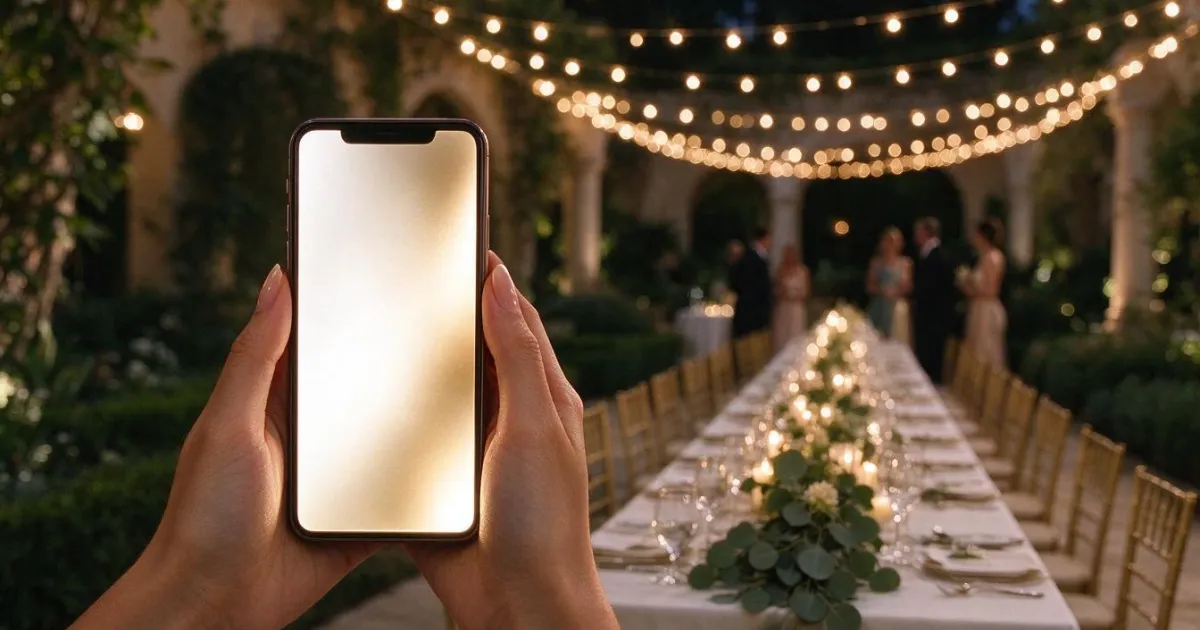
Snapchat Geofilters for Weddings and Events in 2026: Why They Are No Longer Purchased and How to Create Yours Now
Snapchat removed paid geofilters in 2023 and no longer allows the creation of wedding filters. This is how it works today: custom Lens, Snapcode, and current specs.
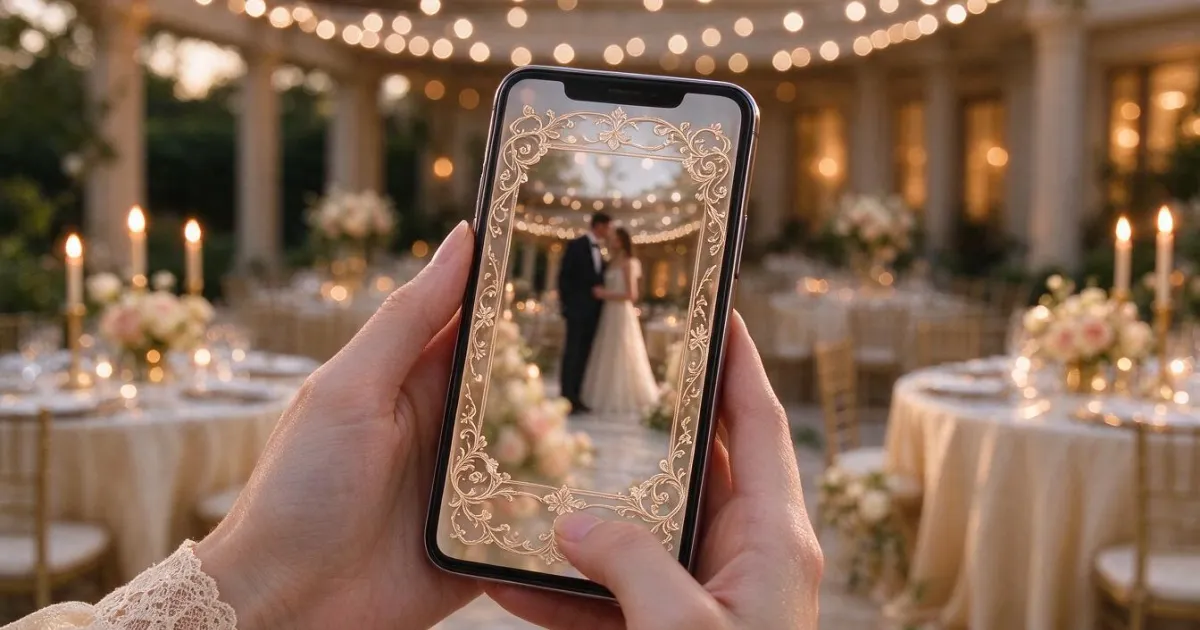
Snapchat Geofilters for Weddings and Events in 2026: Why They Are No Longer Purchased and How to Create Your Own Now
Snapchat discontinued On-Demand Geofilters in 2023: what replaces them today, the current specifications (1080x2340 px, 300 KB), and how to use the Snapcode.
Design your filter before the day arrives
Opret din gratis konto og tag din første officielle test: 24 opgaver, 12-15 minutter og en rapport, der forklarer sig selv.